

from 52472+ happy users
Z-Image Turbo
Free Z-Image Turbo AI Image Generator Online, the 6B Z image AI model by Tongyi-MAI. Create & edit images with Z Image Turbo & Z-Image-Edit.
Z-Image Turbo AI Image Generator
Generate and edit images with text prompts or images by Z-Image Turbo AI


Z-Image Inspiration Gallery
Explore what's possible with Z-Image Turbo generation capabilities. Click on any item to view Z-Image prompts.



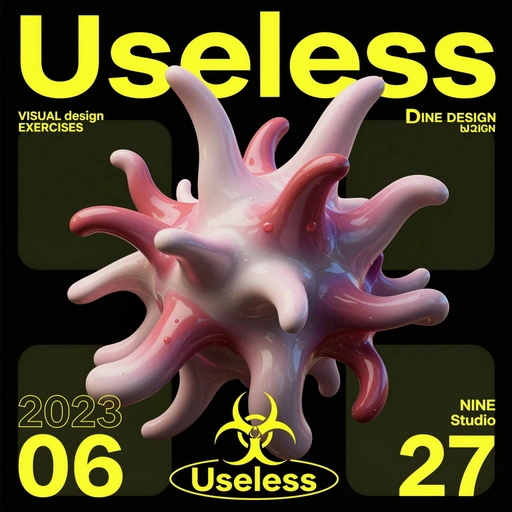


![[Art Style & Viewpoint]:
Hyper-realistic 8k product photography, macro lens perspective, strict 90-degree overhead flat-lay (knolling).
[Aesthetic Philosophy]: "Sublime Micro-Engineering Narratives". A blend of surgical precision and artistic interpretation of technical components.
[Subject Input]:
Target Object: Deconstructed Leica M3 Camera Body
[Action]: Forensic Technical Exploded View. Disassemble into 8-12 primary components, but with an emphasis on secondary and tertiary sub-components (e.g., individual gears within a gearbox, micro-switches on a circuit board, specific spring types, internal wiring harnesses).
[Detail Emphasis]: Each component is meticulously rendered.
Metals: Highlight brushed grains, polished edges, anodic oxidation sheen, laser-etched serial numbers or specific alloy markings. Show microscopic tolerances between parts.
Plastics: Reveal injection molding marks, precise seam lines, and subtle textural variations.
Circuitry: Emphasize the solder joints, traces, tiny capacitors, and integrated chip details.
Glass/Optics: Render reflections, anti-reflective coatings, and subtle refractions.
[Background]: Premium matte cool-grey workbench surface.
[Interactive Schematics]: Ultra-fine Cyan/Tech-Blue vector lines. Include cross-sectional views, exploded assembly sequence lines (dashed arrows), and material call-outs (e.g., "Alloy 7075", "Carbon Fiber Weave").
[Artistic Title Style]: "Industrial Stencil" Aesthetic. Large, bold, semi-transparent text (e.g., "PROJECT: ALPHA" or "ENGINE MODEL: X9") laser-etched onto the background surface.](https://pub-eb5b81bfee5c4e39ba2d1f7195360ef2.r2.dev/inspiration/7.jpeg)
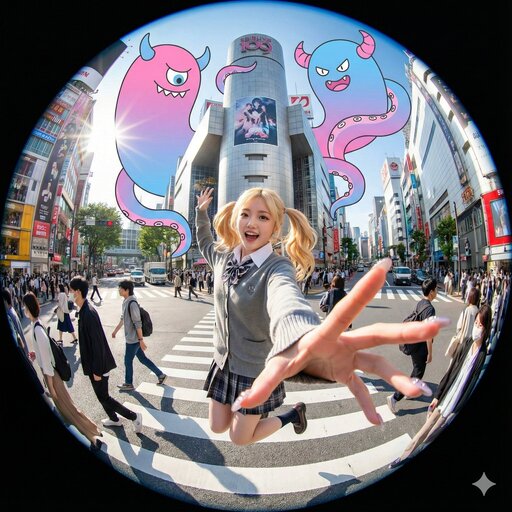

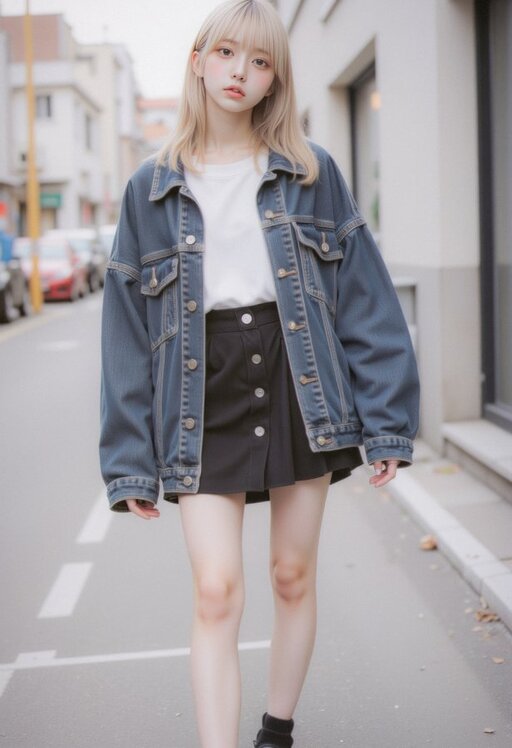



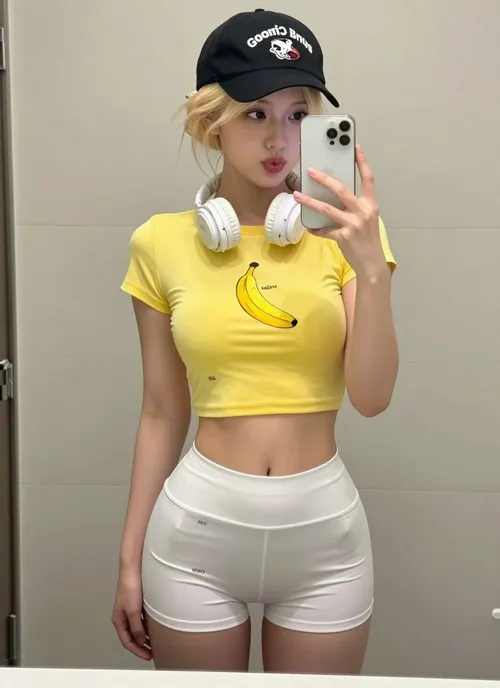

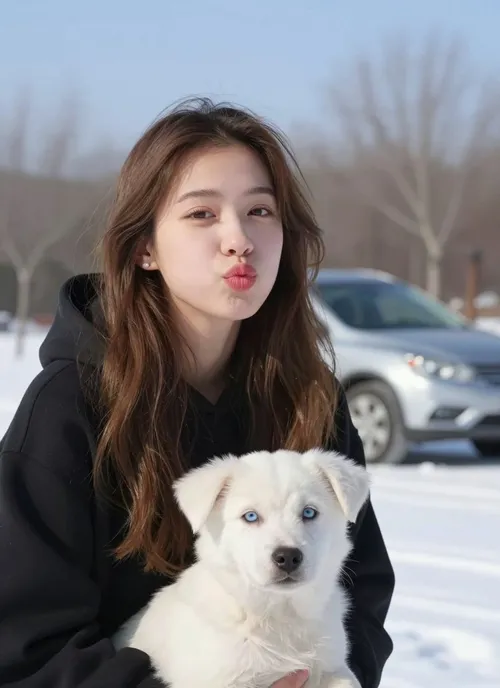
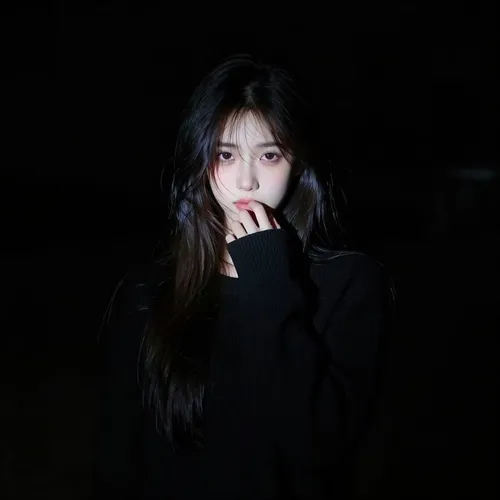
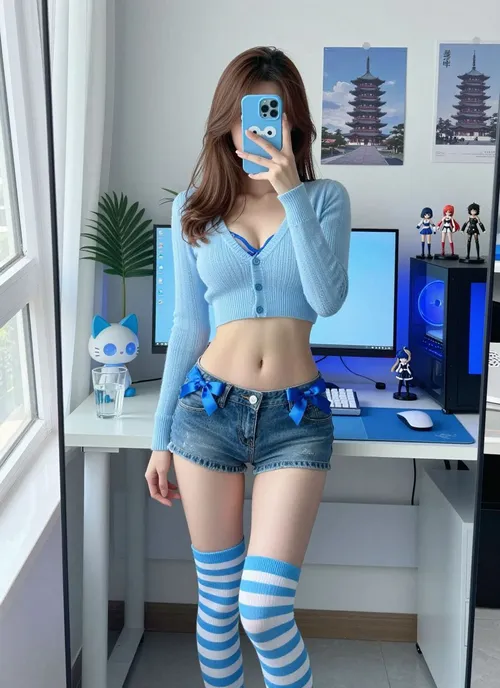




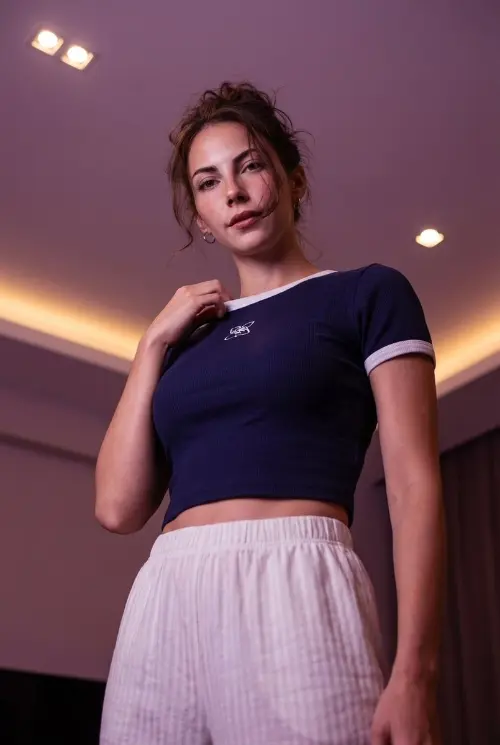


Comparison of Different Model Results
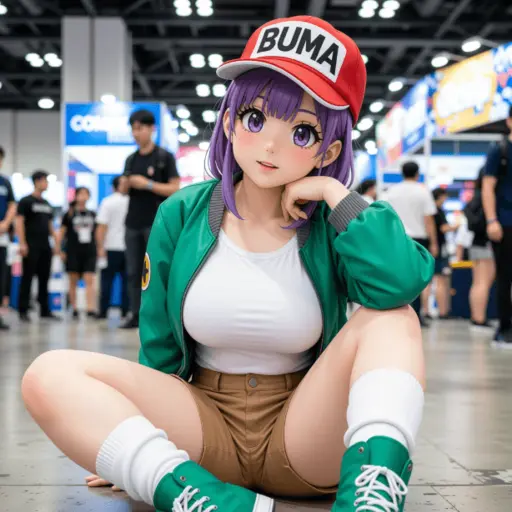
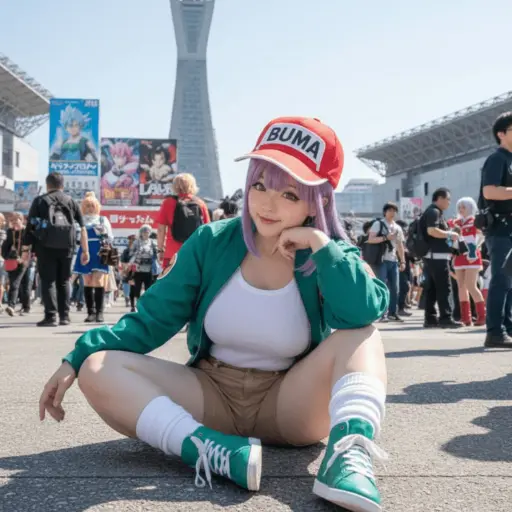
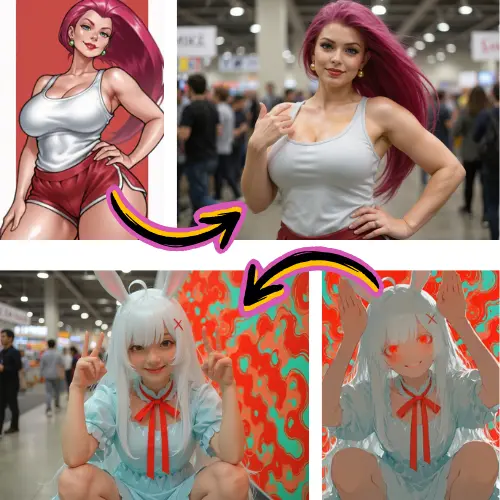
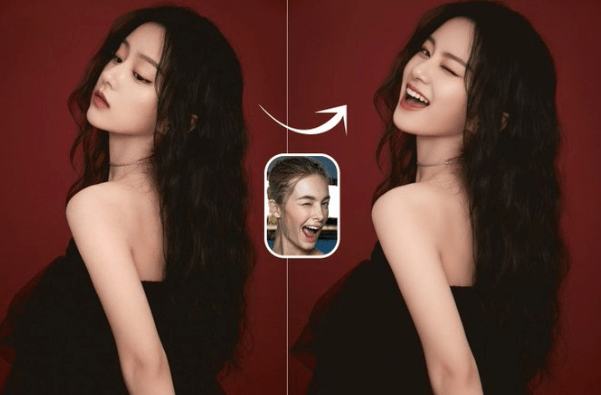
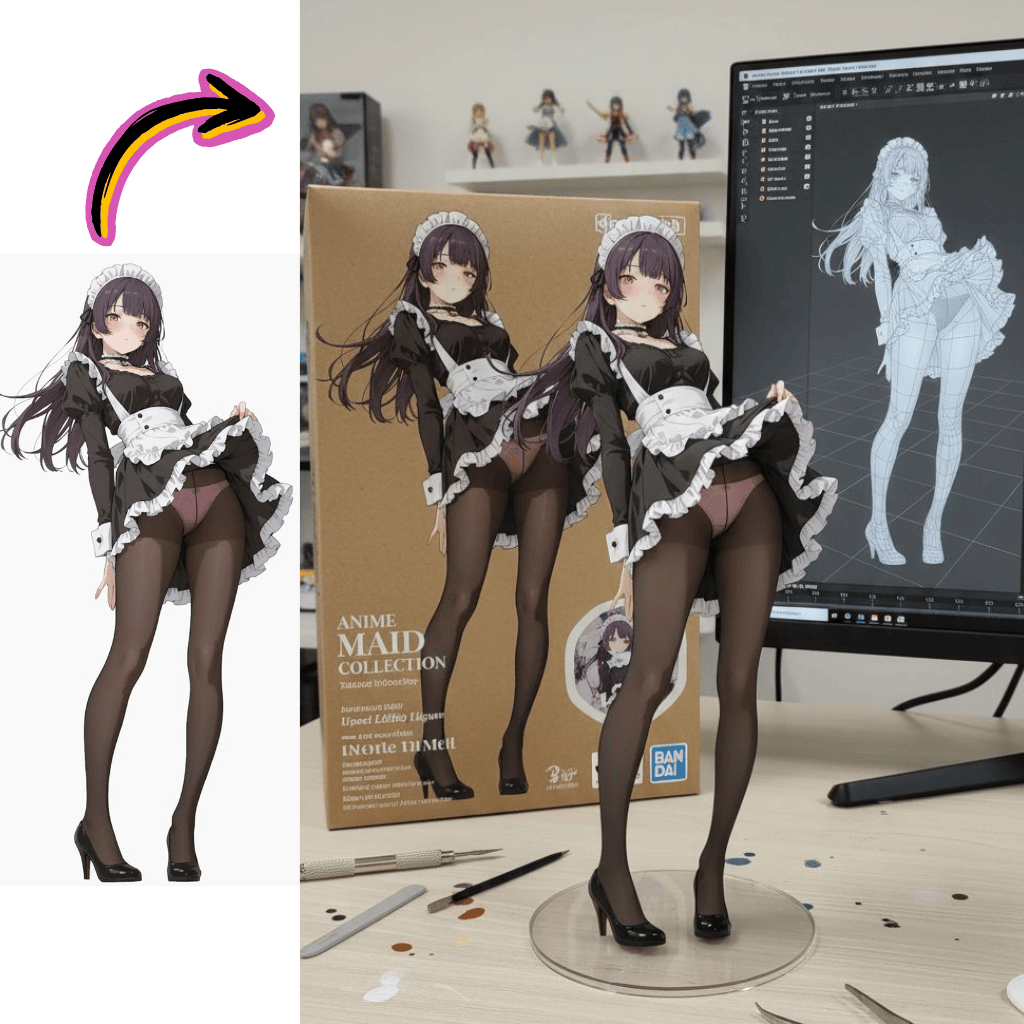
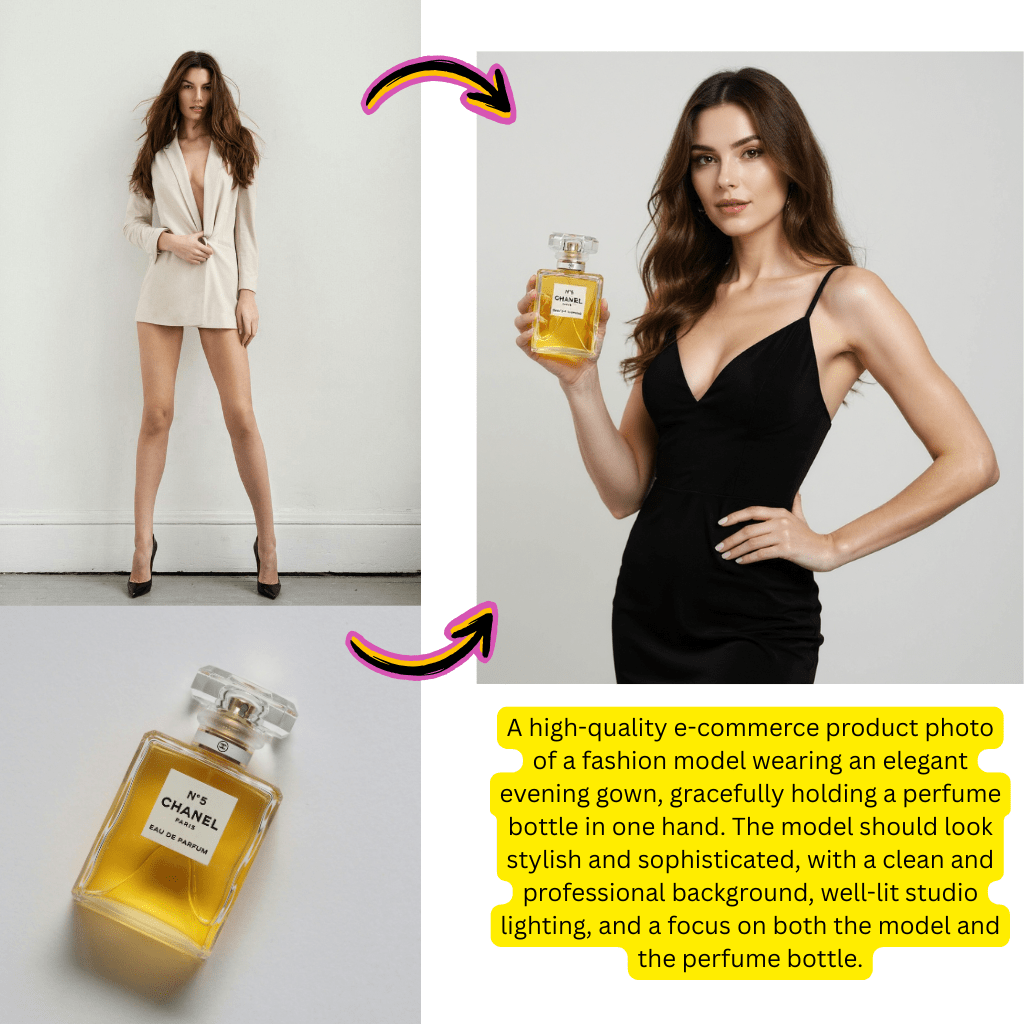
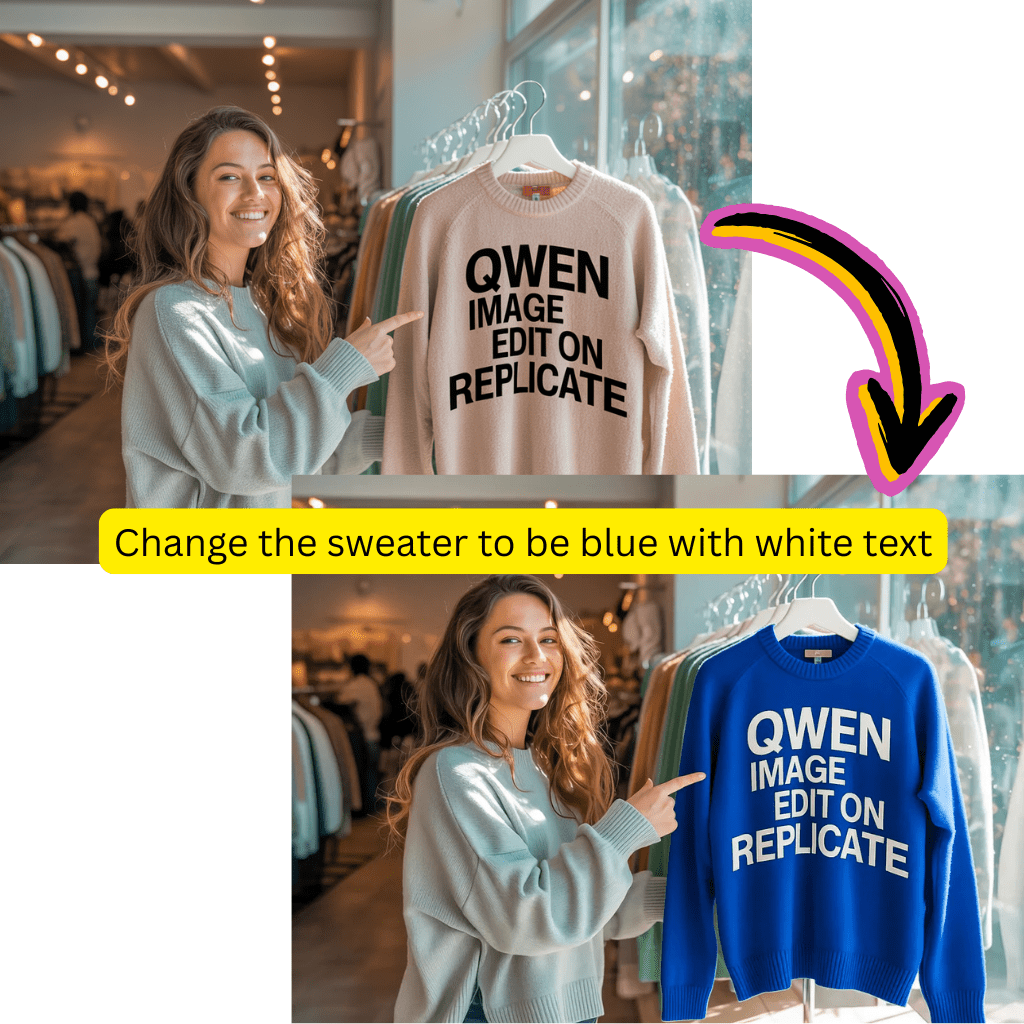
See how different AI models generate varied results with the same prompt.
Original Image

Generate a highly detailed photo of a girl cosplaying this illustration, at Comiket. Exactly replicate the same pose, body posture, hand gestures, facial expression, and camera framing as in the original illustration. Keep the same angle, perspective, and composition, without any deviation
Generated Results

Flux Pro
Qwen

Seedream
Nano Banana

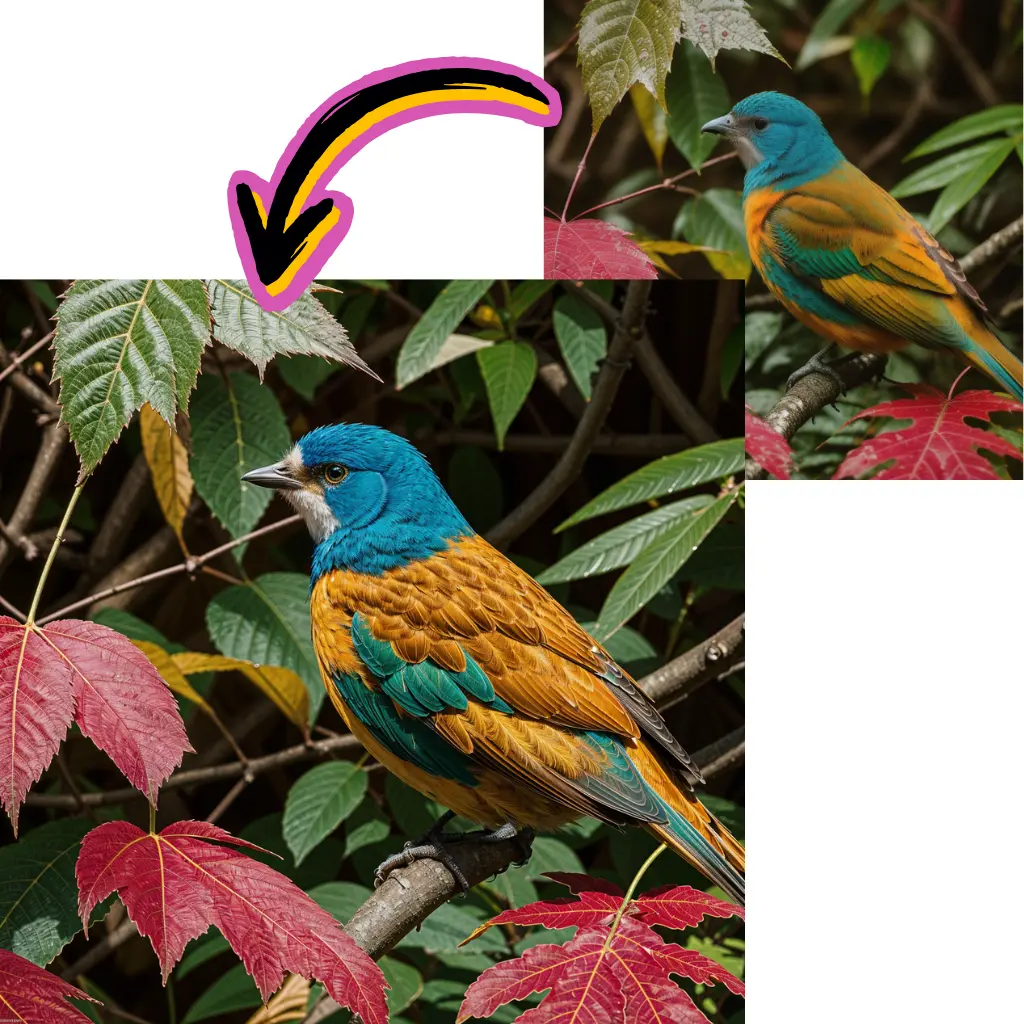
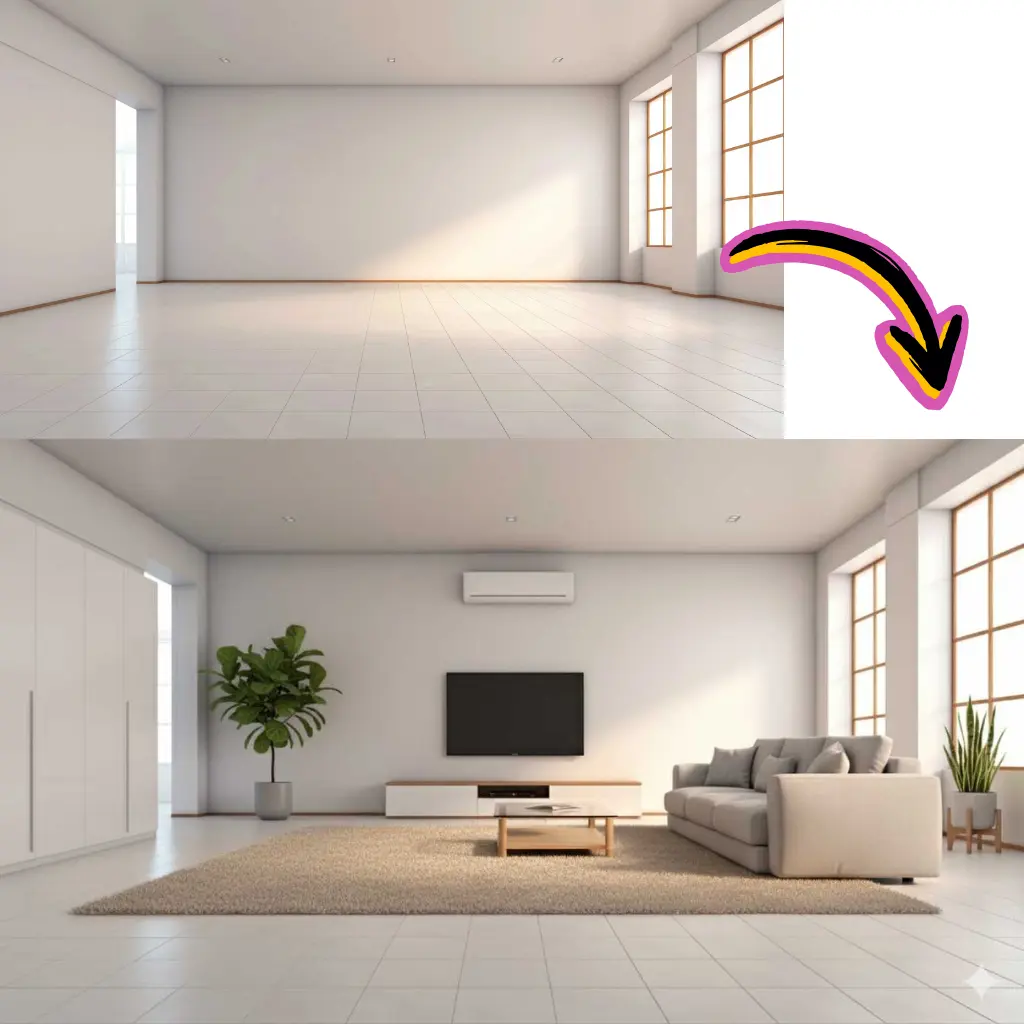
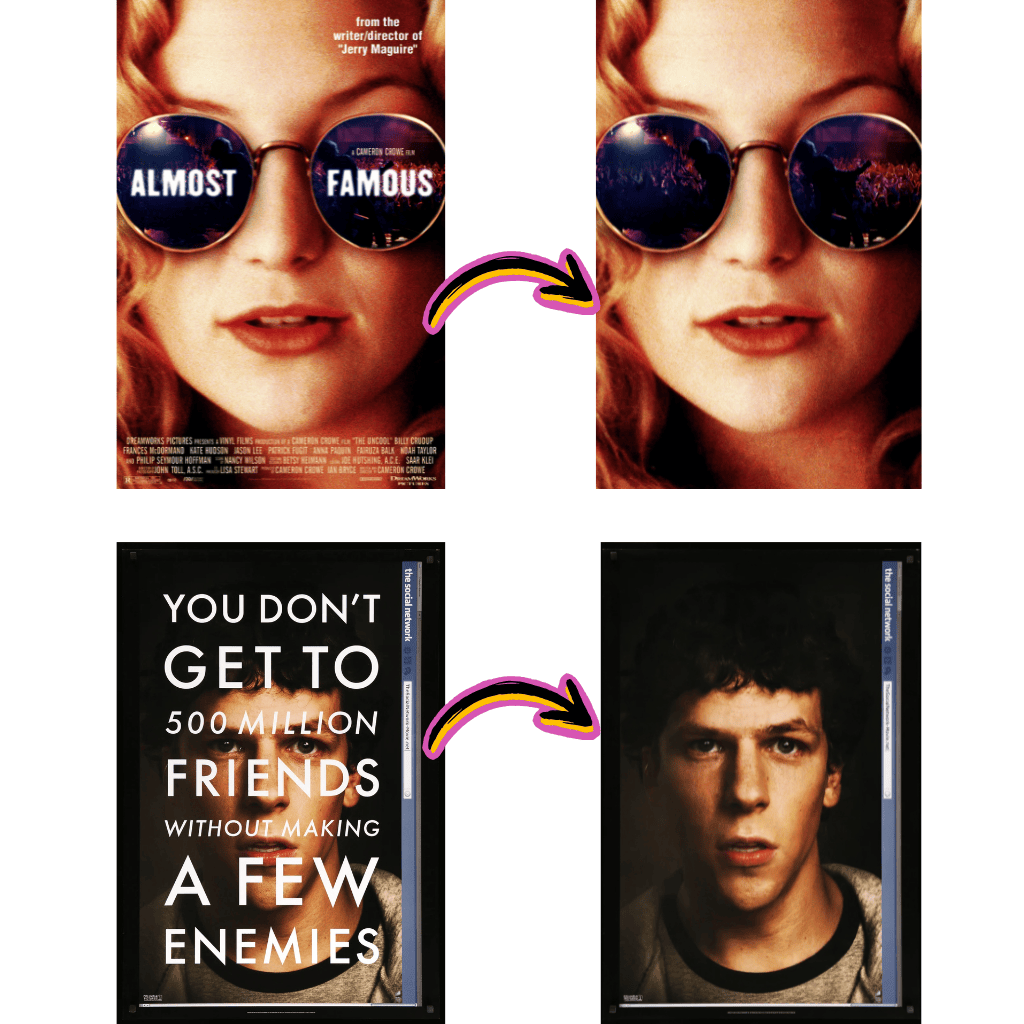
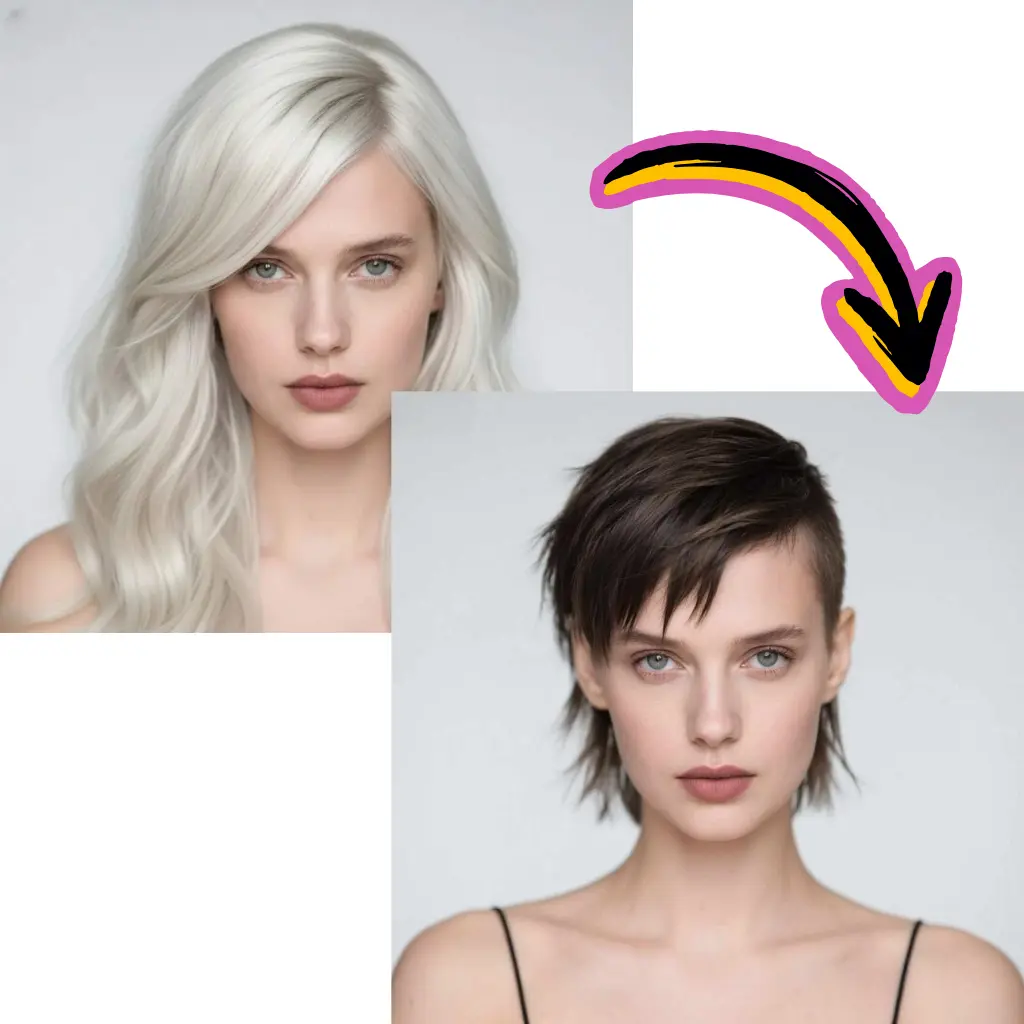
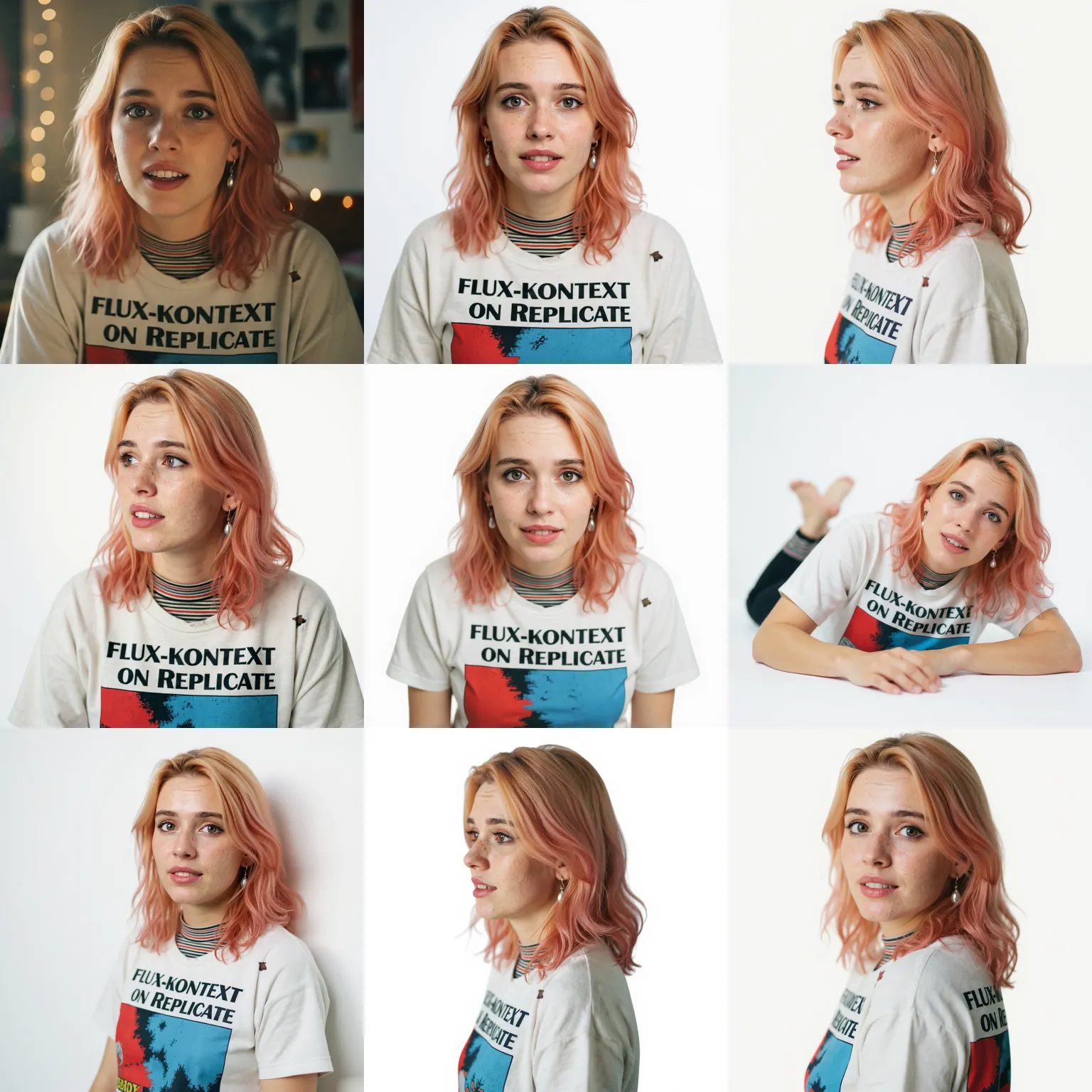
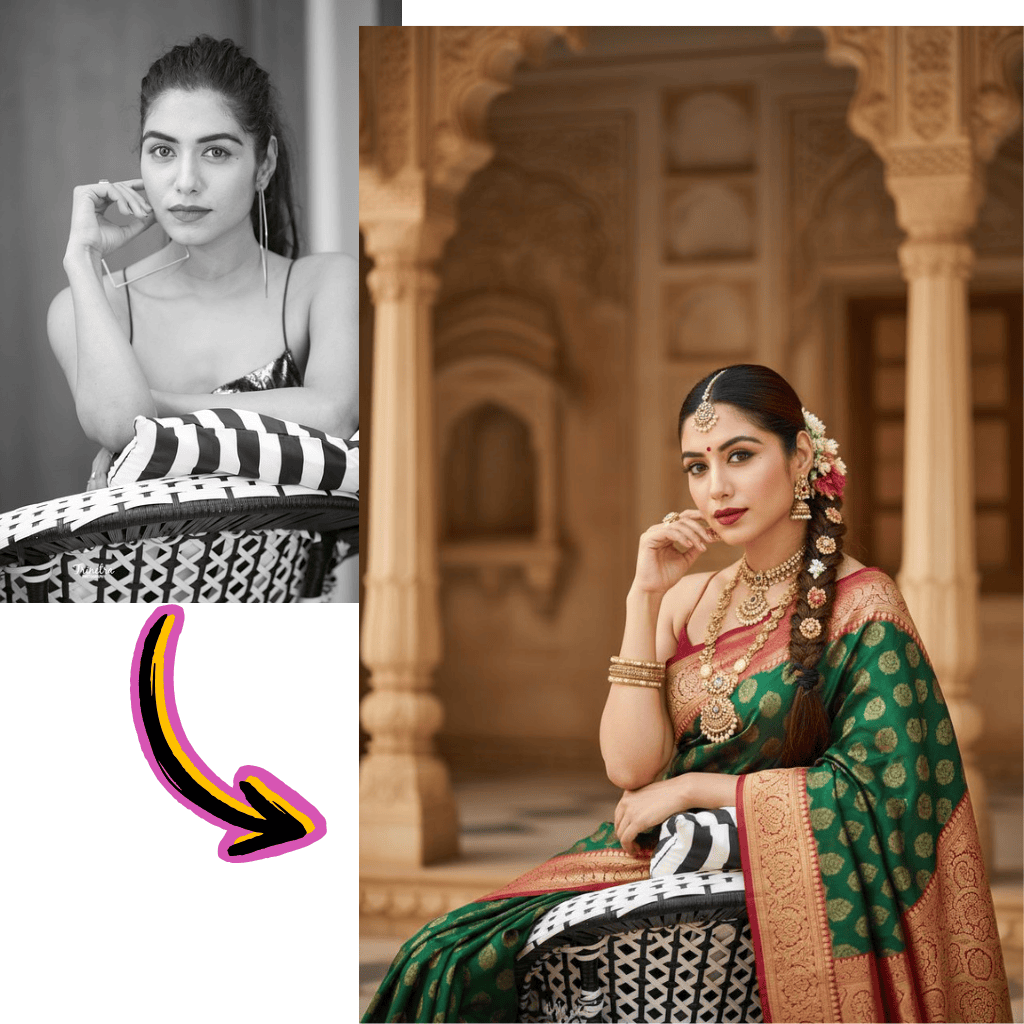
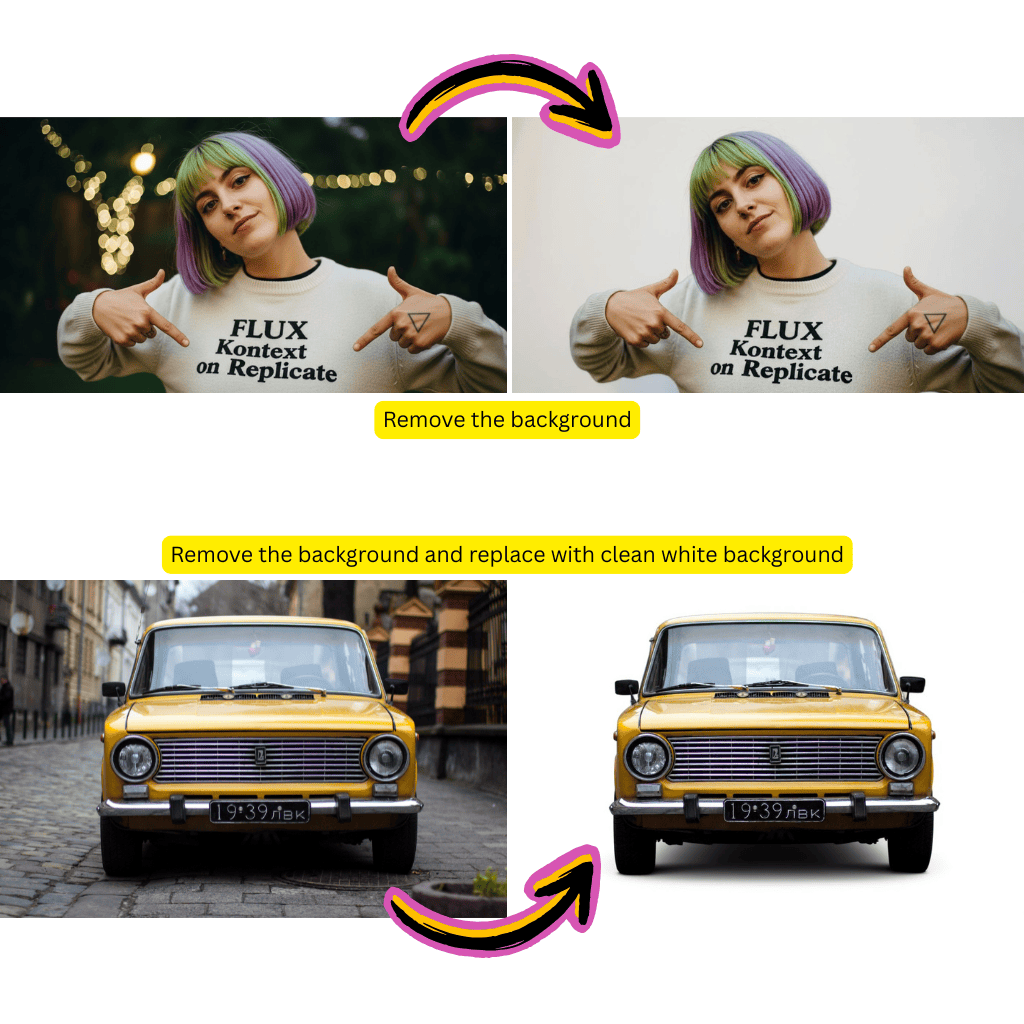
Models

Nano Banana Pro
NewLatest generation with enhanced quality
Nano Banana
FeaturedUltra-high character consistency

Seedream
NewSupport images with cohesive styles

Flux Dev
For short and basic scenes

Qwen
NewGood at complex text rendering
Flux Schnell Lora
NewFast, creative image generation
Flux Kontext
For photorealism and creative control
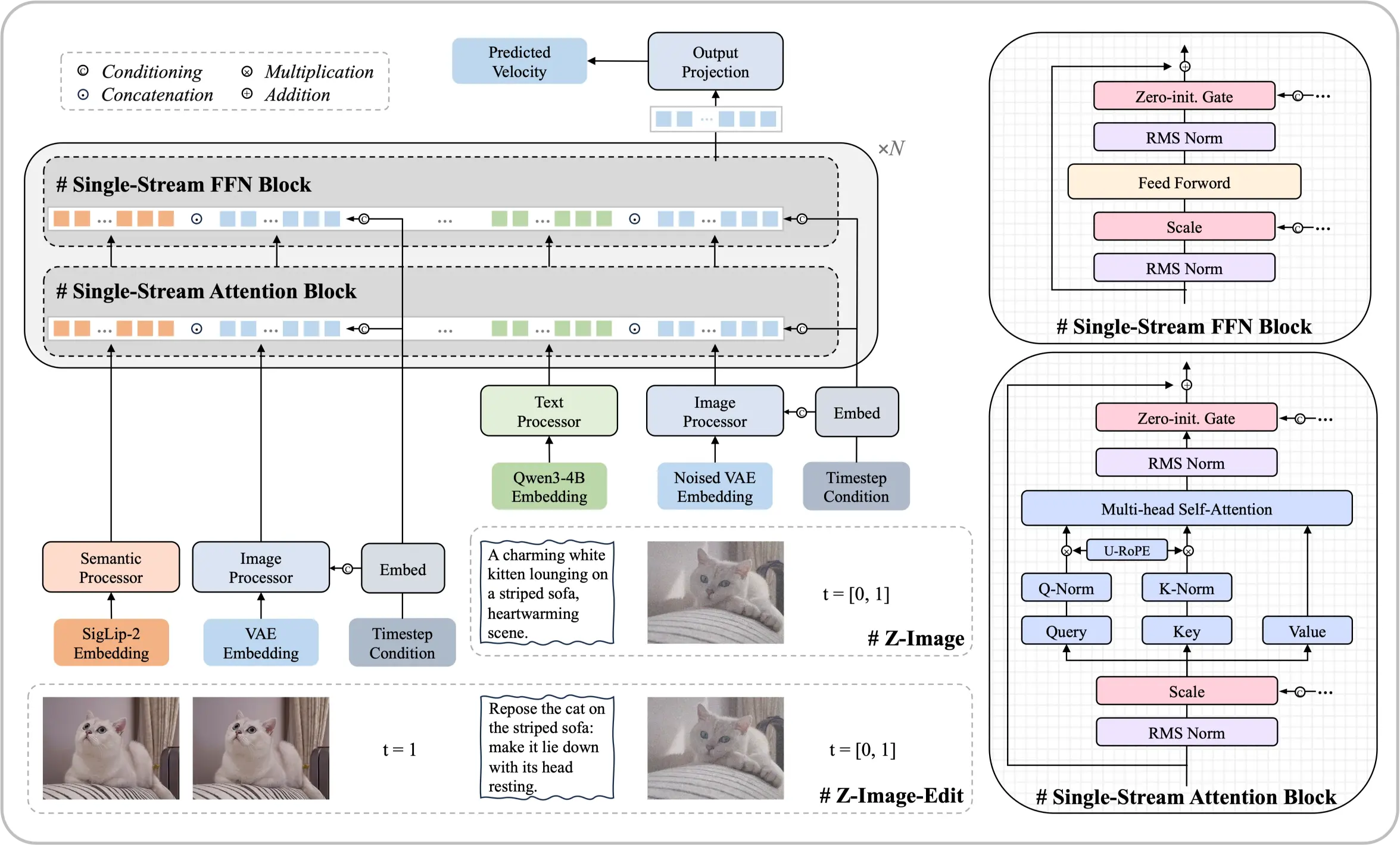
Meet the Z-Image Foundation Model
A 6-billion-parameter architecture that proves top-tier results are achievable without massive computational resources. This open-source diffusion model delivers photorealistic outputs and bilingual text rendering comparable to leading commercial solutions.
- Single-Stream ArchitectureUnifies text embeddings and latent processing into one efficient transformer sequence.
- Photography-Level RealismFine control over lighting, textures, and details that match professional standards.
- Chinese & English TextAccurate rendering of bilingual text directly within generated visuals.
Core Strengths of This Model
Systematic optimization enables performance that rivals models an order of magnitude larger.
Getting Started with Z-Image
Create stunning visuals in four simple steps:
What Sets Z-Image Apart
Explore the capabilities that make Z-Image a leader among open-source alternatives.
ComfyUI Integration
Z-Image nodes provide native workflow support for seamless pipeline building.
Professional Typography
Strong compositional skills for poster design with accurate text placement.
Multi-Step Instructions
Follows complex composite prompts with logical coherence.
Aesthetic Balance
High fidelity visuals with pleasing composition and mood.
Huggingface & ModelScope
Weights available for download on major model repositories.
GGUF & FP8 Formats
Optimized quantized versions for efficient local deployment.
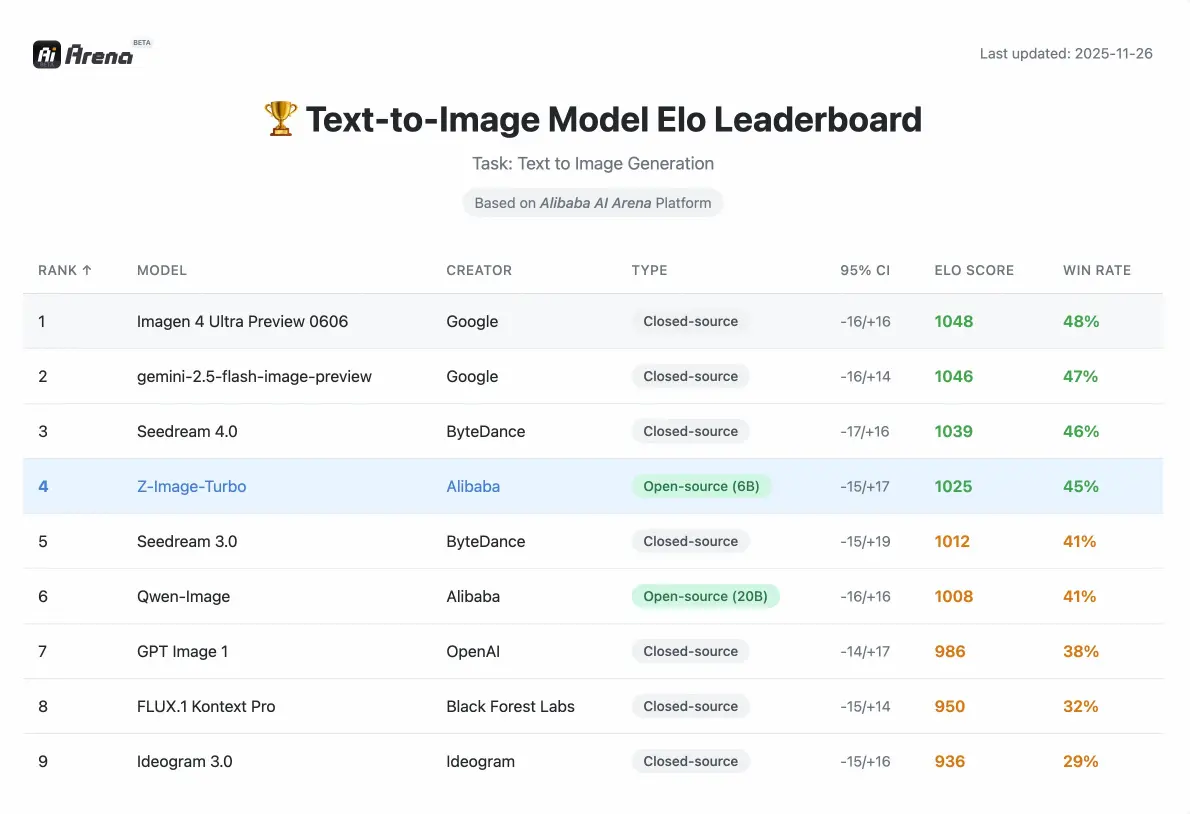
Z-Image Performance
Competitive metrics validated by human preference evaluations on Alibaba AI Arena.
Parameters
6B
Compact Yet Powerful
Steps (Turbo)
8
Fast Generation
VRAM Required
<16GB
Consumer Hardware
What Creators Say About Z-Image
Experiences from designers, developers, and content creators using our tools.
David
Graphic Designer
The photorealistic quality rivals expensive commercial tools. I integrated it into my ComfyUI pipeline within minutes.
Rachel
Content Creator
Bilingual text rendering is a game changer. Chinese characters come out crisp without any post-processing.
Marcus
Developer
Downloaded the GGUF version from Huggingface and had it running locally the same afternoon. Very straightforward.
Sofia
Marketing Director
The Edit variant follows complex instructions precisely. We use it for quick product photo adjustments.
James
E-commerce
Scene composition understanding is excellent. Product backgrounds look professionally shot.
Anna
Artist
Cultural accuracy impressed me. It generated specific landmarks and traditional elements without hallucinations.
Frequently Asked Questions About Z-Image
Everything you need to know about Z-Image, ComfyUI integration, and downloading from Huggingface.
What exactly is Z-Image?
Z-Image is an efficient 6-billion-parameter foundation model for generating visuals. Built on a Single-Stream Diffusion Transformer architecture, it delivers photorealistic quality and bilingual text rendering comparable to leading commercial solutions—without requiring massive computational resources.
How does the Single-Stream Diffusion architecture work?
This architecture unifies the processing of text embeddings, conditional inputs, and noisy latents into a single sequence fed into the transformer backbone. This streamlined approach improves efficiency while maintaining high output quality, enabling the model to run on consumer-grade hardware.
What is Z-Image-Turbo?
Z-Image-Turbo is a distilled variant optimized for speed. It achieves photorealistic generation with accurate bilingual text rendering in just 8 inference steps, delivering results comparable to or exceeding competitors that require many more steps.
What is Z-Image-Edit?
Z-Image-Edit is a continued-training variant specialized for modifying existing visuals. It excels at following complex instructions for tasks ranging from precise local adjustments to global style transformations while maintaining edit consistency.
Can I use this with ComfyUI?
Yes. The model integrates natively with ComfyUI through custom nodes. You can build complex workflows combining generation, editing, and post-processing all within the ComfyUI interface. Community-created workflow templates are available to help you get started quickly.
Where can I download the weights?
Model weights are available on both Huggingface and ModelScope. You can download the base model, the Turbo variant, or the Edit variant depending on your use case. GGUF and FP8 quantized versions are also provided for efficient local deployment.
What hardware do I need to run it locally?
The model runs smoothly on consumer-grade graphics cards with less than 16GB of VRAM. This makes advanced generation technology accessible without requiring expensive professional hardware. The quantized GGUF and FP8 versions further reduce memory requirements.
Does it support Chinese text in generated visuals?
Yes. The model has excellent bilingual rendering capabilities for both Chinese and English text. It can accurately place text within visuals while maintaining aesthetic composition and legibility, even at smaller font sizes.
How does performance compare to other open-source models?
According to Elo-based Human Preference Evaluation on the Alibaba AI Arena, this model shows highly competitive performance against leading alternatives and achieves state-of-the-art results among open-source options at its parameter class.
What is the Prompt Enhancer?
The Prompt Enhancer (PE) uses a structured reasoning chain to inject logic and common sense into the generation process. This allows handling of complex tasks like the chicken-and-rabbit problem or visualizing classical poetry with logical coherence.
Is the model truly open source?
Yes. The code, weights, and an online demo are publicly available. The goal is to promote development of accessible, low-cost, high-performance generative models that benefit the entire research and developer community.
Can it handle complex multi-part instructions?
The Edit variant particularly excels here. It can execute composite instructions like simultaneously modifying a character's expression and pose while adding specific text, maintaining consistency across all changes.
How is cultural understanding implemented?
The model possesses vast knowledge of world landmarks, historical figures, cultural concepts, and specific real-world objects. This enables accurate generation of diverse subjects without hallucinations or cultural inaccuracies.
What makes the text rendering special?
Beyond bilingual support, the model demonstrates strong typographic skills for poster design and complex compositions. It handles challenging scenarios like small font sizes or intricate layouts while maintaining textual precision and visual appeal.
How do I integrate it into my existing pipeline?
For ComfyUI users, simply download the custom nodes and load the weights. For programmatic access, the model follows standard diffusion model APIs. Documentation includes example code for Python integration, API endpoints, and workflow templates.
What about the FP8 and GGUF versions?
These are quantized versions optimized for efficient deployment. FP8 maintains high quality with reduced precision, while GGUF provides maximum compatibility for local inference. Both reduce VRAM requirements below the base model.
Can I use it for commercial projects?
The model is released as open source with a permissive license. Check the specific license details on the repository page for commercial usage guidelines. Most standard commercial applications are permitted.
How does it compare to Stable Diffusion?
While both are diffusion-based, this model uses a distinct Single-Stream architecture that unifies processing. It particularly excels in bilingual text rendering and instruction following, areas where standard Stable Diffusion models often struggle.
What resolution does it support?
The base model supports standard resolutions optimized for quality and speed balance. Higher resolutions are achievable through the ComfyUI workflow with appropriate upscaling nodes. Check the documentation for recommended resolution settings.
Is there an API available?
Yes. Both a web demo and programmatic API access are provided. You can integrate generation capabilities directly into your applications without managing local infrastructure if preferred.
How often is the model updated?
The development team actively maintains and improves the model. Updates include performance optimizations, expanded capabilities, and community-requested features. Follow the repository for announcements.
Can it generate faces accurately?
The model produces highly realistic facial features with fine control over expressions and details. Combined with accurate text overlay capabilities, it's particularly suited for portrait-based content and marketing materials.
What about style transfer and artistic effects?
The Edit variant handles style transformations while preserving subject identity. You can apply artistic effects, change backgrounds, or modify aesthetics while maintaining consistency in the core visual elements.
How do LoRA adaptations work with this model?
Custom LoRA weights can be trained and applied to specialize the model for particular styles or subjects. The architecture supports standard LoRA integration methods familiar to users of other diffusion models.
What makes it efficient compared to larger models?
Systematic optimization at the architecture level enables 6B parameters to match outputs from models 10x larger. This efficiency translates to faster inference, lower hardware requirements, and reduced operational costs.
Is community support available?
Yes. Active communities exist on Discord, GitHub, and forums where users share workflows, troubleshoot issues, and showcase creations. The development team engages regularly with community feedback.
How do I report bugs or request features?
The GitHub repository accepts issues for bug reports and feature requests. Community participation helps prioritize improvements and ensures the model evolves to meet user needs.
Can beginners use this without technical knowledge?
The web demo provides a no-code interface for immediate use. For local deployment, ComfyUI offers visual workflow building without coding. Technical users can access the full API for programmatic control.
What distinguishes this from Qwen-based image models?
While Qwen focuses on vision-language understanding, this model specializes in generation with unique strengths in bilingual text rendering and instruction-following editing. Both can complement each other in comprehensive AI pipelines.
Is batch processing supported?
Yes. Both the API and ComfyUI workflows support batch generation for processing multiple prompts efficiently. This is useful for production environments requiring high throughput.
Start Creating with Z-Image
Experience efficient generation with this open-source foundation model. Free to use.